Track property insurance
Every property's policies with documents attached and renewal reminders.
Each property carries its own insurance record: carrier, policy type, policy number, coverage amount and the expiration date, with the policy documents attached. PropFlow watches the dates and raises a reminder 30 days before a policy lapses.
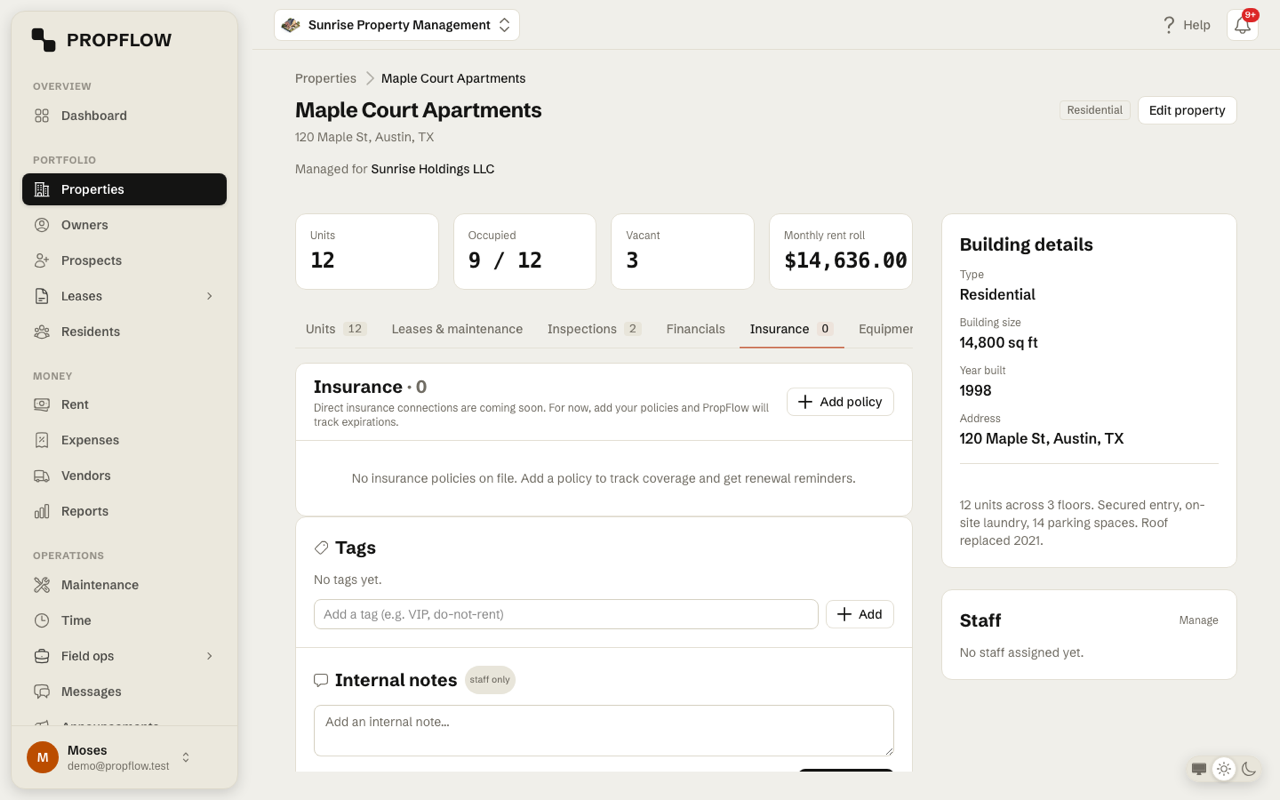
How to add a policy
-
1
Open the property and switch to its Insurance tab.
-
2
Click Add policy and fill in the carrier, type, policy number, coverage and dates.
-
3
Attach the documents: the policy PDF, photos or Word files, up to 20MB each.
-
4
Save. The status badge shows Active, Expiring soon or Expired from the dates alone.
Renewal reminders arrive automatically through your notifications - no setup. Direct carrier connections are on the roadmap and marked as such.
More in Owners & reporting
Still stuck?
Tell us what you're trying to do and we'll point you the right way. Contact us.